

In today’s digital age, Facebook messaging has become an integral part of our daily communication. Yet, the seemingly simple act of sending a message on this platform can sometimes leave us scratching our heads.
Why do some messages show as “sent” while others are “delivered”? What’s the difference, and why should you care? This comprehensive guide will unravel the mysteries behind Facebook messaging statuses, helping you navigate the complex world of digital communication with confidence.
The Journey of a Facebook Message
Before we dive into the nitty-gritty of sent and delivered statuses, let’s take a moment to understand the journey a Facebook messaging takes from sender to recipient.
- Composition: You craft your message in the Messenger app or on Facebook.
- Transmission: Your device sends the message to Facebook’s servers.
- Processing: Facebook’s complex algorithms analyze the message for spam or policy violations.
- Routing: The message is directed to the recipient’s inbox or message requests folder.
- Delivery: The message reaches the recipient’s device (if online) or waits on Facebook’s servers.
This process happens in milliseconds, but each step can influence whether your message is marked as “sent” or “delivered”.
“Sent” Status Unpacked
When you see the “sent” status on your Facebook messaging, it’s natural to assume your message has reached its destination. However, this isn’t always the case. Let’s break down what “sent” really means:
What “Sent” Really Means
The “sent” status indicates that your message has successfully left your device and reached Facebook’s servers. It’s like dropping a letter in the mailbox – it’s out of your hands, but not necessarily in the recipient’s.
When You’ll See This Status
You’ll typically see the “sent” status immediately after sending your message. It’s represented by a single gray tick next to your message in the Messenger app.
Common Misconceptions
Many users believe “sent” means the message has reached the recipient’s device. This isn’t accurate. “Sent” only confirms the message has made it to Facebook’s servers, not to the recipient.
Pro Tip: Don’t assume your message has been received just because it shows as “sent”. Always wait for the “delivered” status for confirmation.
Delivered Status Explained
The “delivered” status is what you really want to see when sending a Facebook messaging. Here’s what it means and how it differs from “sent”:
Definition and Implications
“Delivered” means your message has successfully reached the recipient’s device. It’s represented by a filled-in circle icon in the Messenger app. This status confirms that the message is now in the recipient’s inbox, ready to be read.
How It Differs from “Sent”
While “sent” only confirms the message has reached Facebook’s servers, “delivered” confirms it has made it to the recipient’s device. It’s the digital equivalent of a letter being dropped through the recipient’s letterbox.
What Happens Next?
Once a message is delivered, it’s up to the recipient to read it. Facebook Messaging also offers a “seen” status, represented by the recipient’s profile picture next to the message, indicating they’ve opened and presumably read your message.
The Invisible Barriers: Why Messages Get Stuck
Sometimes, your messages might get stuck in the “sent” phase, never reaching the “delivered” status. Several factors can cause this:
Network Connectivity Issues
Poor internet connection on either the sender’s or recipient’s end can prevent message delivery. This could be due to:
- Weak Wi-Fi signal
- Limited mobile data coverage
- Network outages
Facebook Server Hiccups
Even tech giants like Facebook aren’t immune to technical difficulties. Server issues can delay or prevent message delivery.
App Glitches and Bugs
Outdated apps or software bugs can interfere with message delivery. Always keep your Messenger app updated to minimize these issues.
| Common Causes of Undelivered Messages | Potential Solutions |
| Poor internet connection | Check your Wi-Fi or mobile data connection |
| Facebook Messaging server issues | Wait and try resending later |
| Outdated Messenger app | Update your app to the latest version |
| Recipient’s privacy settings | Ensure you’re not blocked or restricted |
| Message flagged as spam | Avoid sending repetitive or suspicious content |
Privacy Settings: The Hidden Gatekeeper
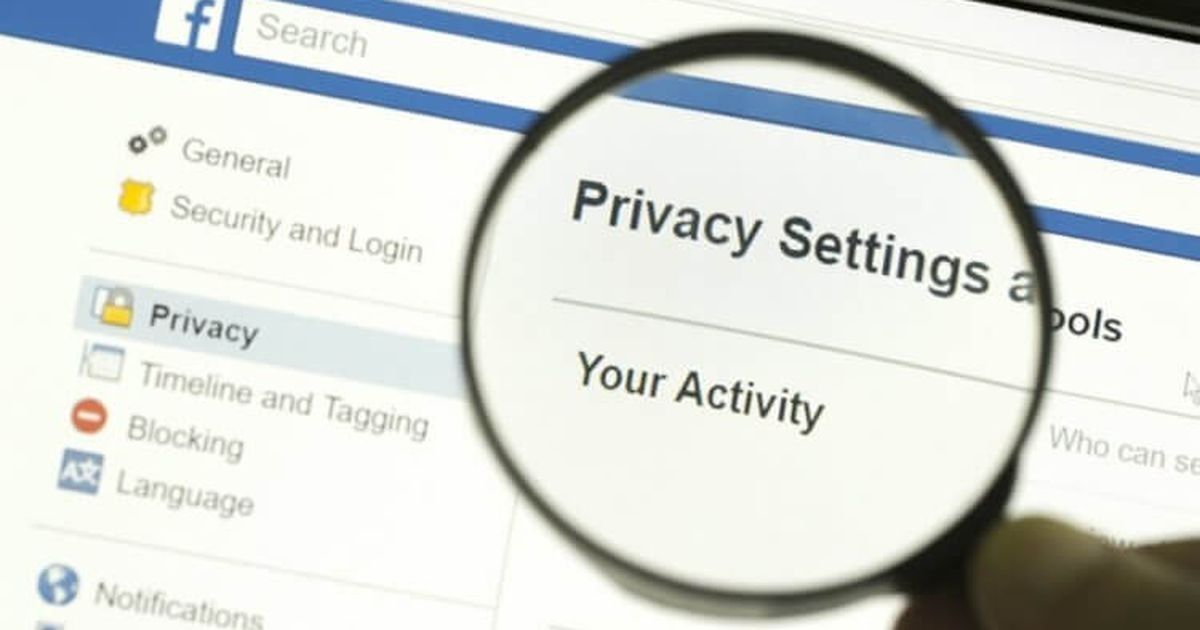
Privacy settings play a crucial role in Facebook messaging. They can significantly impact whether your messages are delivered or not.
How Receiver’s Settings Affect Delivery
Recipients can customize their privacy settings to control who can message them directly. If you’re not on their friends list or don’t share mutual connections, your message might be filtered into their Message Requests folder instead of their main inbox.
Message Requests and Filtered Messages
Facebook Messaging uses algorithms to sort incoming messaging from non-friends into either Message Requests or Filtered Messages. Messages in these folders don’t trigger notifications, which can lead to delayed responses or messages being overlooked entirely.
Blocked Contacts and Message Delivery
If you’ve been blocked by the recipient, your messages won’t be delivered at all. They’ll appear as “sent” on your end, but will never reach the recipient’s device.
Case Study: John messaged his old classmate Sarah on Facebook Messaging, but his message stayed on “sent” for days. It turned out Sarah had strict privacy settings that filtered messages from non-friends into her Message Requests folder. Once Sarah checked this folder and accepted the message request, John’s future messages were delivered instantly.
Facebook’s Message Filtering System
Facebook employs sophisticated algorithms to filter messages and protect users from spam and unwanted content. Understanding this system can help you ensure your messages get through.
Spam Detection
Facebook’s spam filters analyze message content, sending patterns, and user behavior to identify potential spam. If your message is flagged as spam, it might not be delivered.
Content Policy Violations
Messages containing content that violates Facebook’s community standards may be blocked from delivery. This includes hate speech, explicit content, or threats.
Account Status Issues
If your account has been flagged for suspicious activity or violates Facebook’s terms of service, your messages might not be delivered.
Troubleshooting Undelivered Messages
If your messages aren’t being delivered, try these troubleshooting steps:
- Check your internet connection: Ensure you have a stable internet connection.
- Update the Messenger app: Keep your app updated to avoid bugs and glitches.
- Verify recipient’s active status: Check if the recipient is currently active on Facebook.
- Contact Facebook support: If issues persist, reach out to Facebook’s support team.
Decoding Messenger Icons
Understanding Messenger icons can help you track your message status more effectively:
- Single gray tick: Message sent to Facebook servers
- Double gray ticks: Message delivered to recipient’s device
- Blue circle with check: Message seen by recipient
- Empty circle outline: Message sending in progress
Best Practices for Ensuring Message Delivery
To maximize the chances of your messages being delivered:
- Keep your app updated: Regular updates often include bug fixes and improvements.
- Maintain a good account standing: Adhere to Facebook’s community standards.
- Respect others’ privacy settings: Don’t spam or harass other users.
- Use Messenger for time-sensitive communication: It often delivers messages faster than the Facebook website.
- Check your own privacy settings: Ensure they’re not overly restrictive.
The Future of Facebook Messaging
Facebook continually evolves its messaging platform. Here’s what we might see in the future:
- Enhanced status indicators: More detailed delivery and read statuses.
- Improved spam filtering: Better algorithms to reduce false positives.
- Cross-platform integration: Seamless messaging across Facebook-owned platforms like Instagram and WhatsApp.
FAQ’s
What is the difference between “Sent” and “Delivered” on Facebook Messenger?
“Sent” means your message has been successfully sent from your device. “Delivered” means the message has reached the recipient’s device but hasn’t necessarily been seen.
Why does my message show as “Sent” but not “Delivered”?
If your message shows as “Sent” but not “Delivered,” it means the recipient’s device is either offline or hasn’t received the message yet.
Does “Delivered” mean the recipient has read my message?
No, “Delivered” only means the message has reached their device. You will see a “Seen” status when the recipient has opened it.
Can a message be delivered but not seen on Facebook Messenger?
Yes, a message can be delivered to the recipient’s device but remain unseen until they open Messenger to read it.
Why is my message stuck on “Sent” for a long time?
If your message stays “Sent” for a while, the recipient’s device may be turned off, or they might have network connectivity issues.
Conclusion
Understanding the intricacies of Facebook messaging statuses can significantly improve your communication experience on the platform. Remember, “sent” doesn’t always mean “received”, and various factors can influence message delivery. By staying informed about these nuances and following best practices, you can ensure your messages reach their intended recipients effectively.
In the fast-paced world of digital communication, patience and understanding are key. Whether you’re reaching out to an old friend or conducting business, knowing the ins and outs of Facebook messaging will help you communicate more efficiently and avoid misunderstandings.
